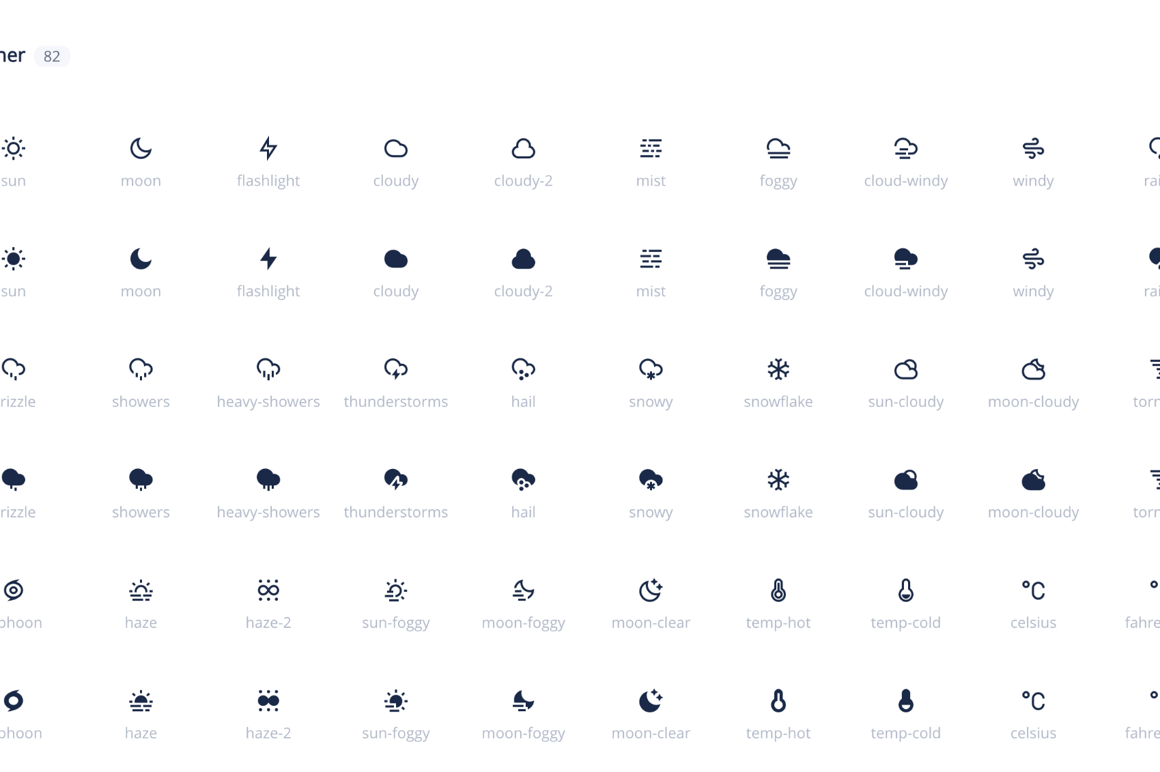
Although there are thousands and thousands of free and paid libraries of icons and other assets for design and development on the web, every now and then a quality source surfaces. One such is Remix Icons with over 3220 icons for your next design or development endeavor. The icons are divided into several categories and each icon can be used in multiple ways (PNG, SVG, CDN link…) etc. Use it now, thank me later.
New Influencer Skins from Themify
Tailored for social media stars, UGC creators, and portfolio builders, this slick design empowers you to showcase campaigns, reels, and collaborations with standout clarity and style. Strategic call-to-action areas help brands find you and kick off sponsored partnerships faster. Fully customizable with Themify Builder, you can adapt colours, layouts, and typography to suit your personal brand — no coding needed. Simply import the demo, swap in your content, and launch a professional creator site in minutes. Elevate your online presence and grow your influence today!
Twenty Twenty-Three: A New Default WordPress Theme From the Community
Twenty Twenty-Three is the brand new default WordPress theme being launched with WordPress 6.1.
It is a minimalist theme with no images or additional functionality. It gives its best as a starter theme to build templates and style variations and also test all the features introduced with the latest versions of WordPress.
How To Change the WordPress Table Prefix?
If you’re running a WordPress site, it’s important to keep your database secure. One way to do this is by changing the default table prefix. In this post, we’ll show you how to change the WordPress table prefix in just a few steps.
The Everything-You-Need-To-Know Guide to WordPress Multisite Network
If your sites have a few things in common, you might wonder: is there a more efficient way to run them than managing them as single installs?
WordPress Multisite could be what you’re looking for. It lets you create a network on your WordPress installation, meaning that you can then run as many sites as you want in that network, all on one instance of WordPress.
How To Schedule Posts in WordPress With These 3 Methods?
Is there anything more frustrating than realizing you forgot to publish a post on time? Thankfully, scheduling your posts in advance can help avoid this problem and keep your blog on track. In this step-by-step guide, we’ll show you how to schedule posts in WordPress using three different methods.
How To Create an Effective WordPress Workflow?
When thinking about the code for your site, there are a few key attributes that you should keep in mind. These attributes will help to ensure that your code is clean, well-organized, and easy to understand.
How to Improve Your Site SEO Ranking with Themify WordPress Themes?
Since Google has officially made page speed and user experience as a ranking factor in search engine results page (SERP), having a fast loading site is very crucial as part of your SEO tactics. Read this in-depth tutorial on how to get a 90+ score on Google Pagespeed Insights with Themify WordPress themes.
Introducing Kinsta’s Premium Staging Environment Add-On
Every account on Kinsta comes equipped with a staging environment for testing and development purposes. This is rapidly becoming a standard feature across the hosting industry. But what if you need more than one staging site? Introducing the answer: Kinsta’s Premium Staging Environment add-on.
What’s New in WordPress 6.1?
WordPress 6.1 has been scheduled for release on November 1, 2022, and will be the third major release of the year, and as always, new WordPress releases bring new features, improvements, and bug fixes from the latest versions of the Gutenberg plugin into the core.
How to Migrate From Squarespace to WordPress?
Squarespace is an intuitive platform that makes it easy to create simple websites and online stores. However, its features are limited. So, you may be looking for a more flexible solution, like WordPress.
How To Build a WordPress Site Offline?
When you’re editing a live website, any changes you make will be immediately implemented. That means, if you want to try out new coding or experimental software, you could end up breaking your site and alienating new visitors.
To solve this problem, you can create a local, offline version of your website. This enables you to run and edit WordPress without needing an internet connection.